Platform capabilities
Everything you need to sync Stripe with QuickBooks
From granular product mapping to multi-currency support, Acodei handles the complexity so your books stay accurate as you scale.
Managing Stripe books for multiple clients? Explore Acodei for accountants and bookkeepers.
Billing on Stripe subscriptions? See Stripe accounting for SaaS.
Somewhere else entirely? Browse solutions by business type.


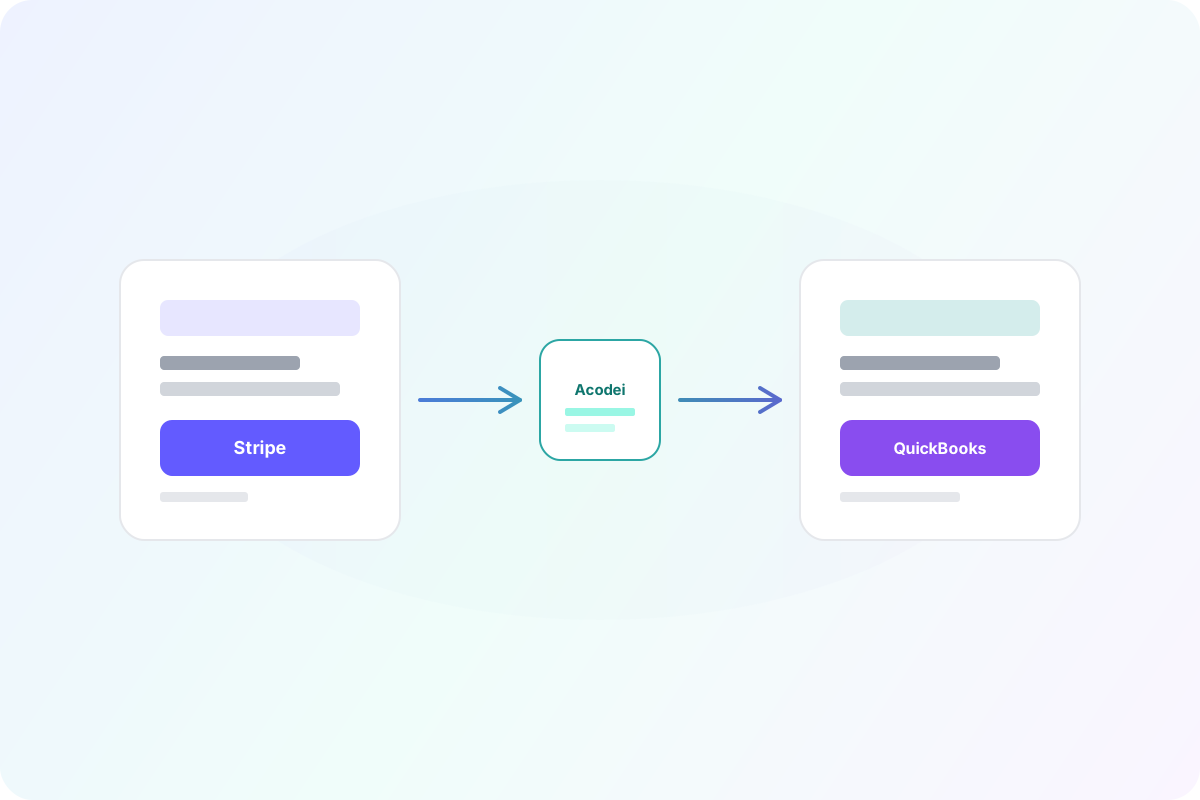
Stripe to QuickBooks Integration
Automatically sync Stripe payments, fees, refunds, and payouts to QuickBooks Online. Real-time, accurate, and audit-ready. No manual exports, no spreadsheets.
Learn more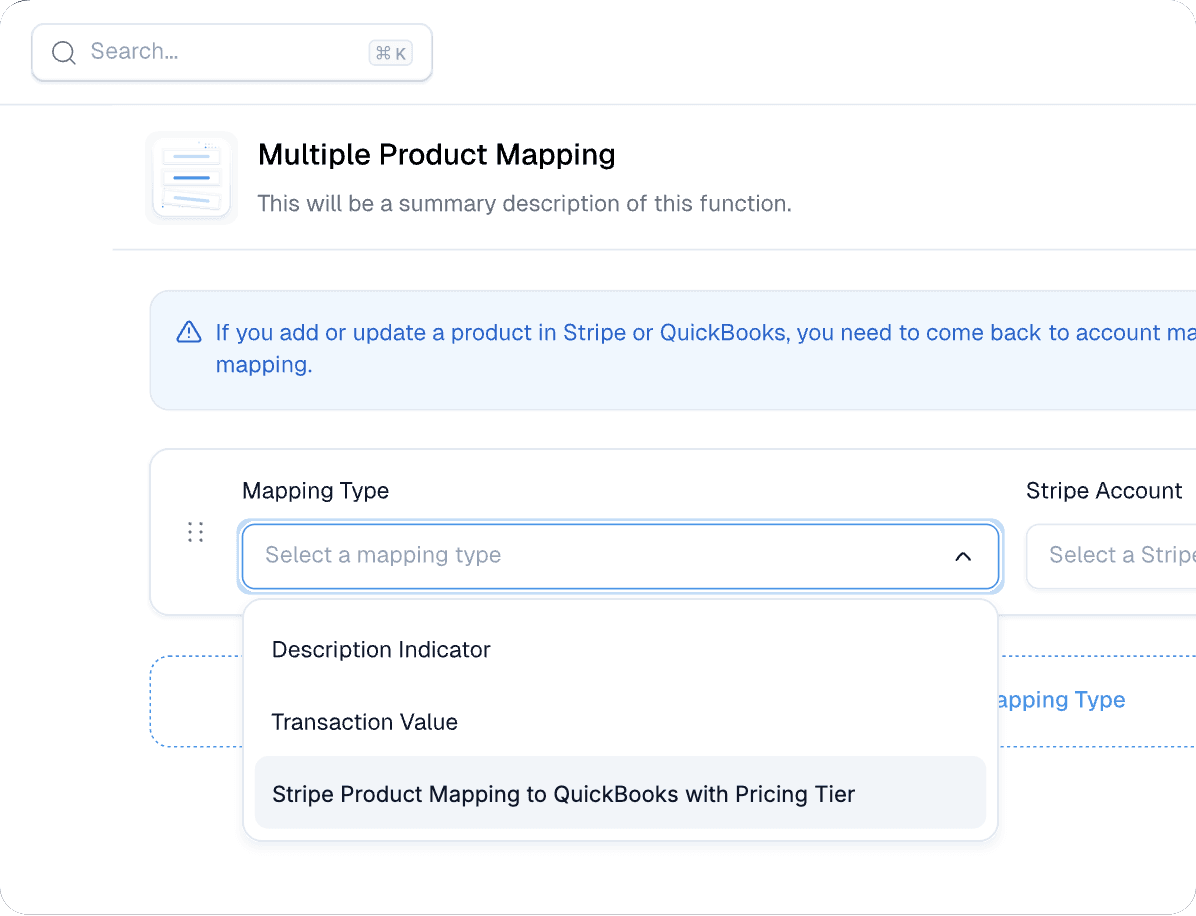
Advanced Product Mapping
Map Stripe products to QuickBooks with rule-based logic on product ID, price ID, metadata, and account. Set rule priority and extend mapping to refunds and fees.
Learn more
Automated Invoice Sync
Bring Stripe invoices into QuickBooks and auto-apply payments and credit memos, with invoice numbering suffixes and quantity tracking to cut double-entry.
Learn more
Multi-Currency Mastery
Sync Stripe transactions across currencies with automatic exchange rate handling and currency-specific customer records. Our team enables multicurrency on request, and zero-decimal currencies such as JPY are not supported.
Learn more
Class Mapping
Map Stripe products to QuickBooks classes for scalable categorization and multi-entity reporting. Class tracking requires QuickBooks Online Plus or Advanced.
Learn more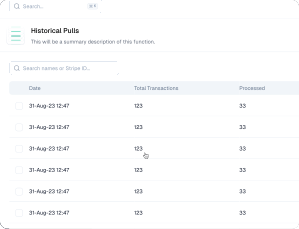
Historical Data Import
Backfill historical Stripe data into QuickBooks by month range. Preview volume and cost before syncing so reporting starts from a complete baseline.
Learn moreHow to Connect Stripe to QuickBooks Online
Connect Stripe to QuickBooks Online in minutes. Acodei links both accounts with secure OAuth and syncs payments, fees, refunds, and payouts automatically.
Learn moreReconcile Stripe Payments in QuickBooks
Reconcile Stripe in QuickBooks Online automatically. Acodei splits out fees, matches payouts to deposits, and keeps every charge audit-ready.
Learn moreReady to automate your accounting?
Start your 14-day free trial and see how Acodei keeps your Stripe and QuickBooks data in sync.
14-day free trial · card required · cancel anytime