No developer required
Connecting Stripe and QuickBooks is a guided, click-through setup. No API keys to manage, no Zapier recipes to babysit, no custom code.
Two connections, one clean ledger
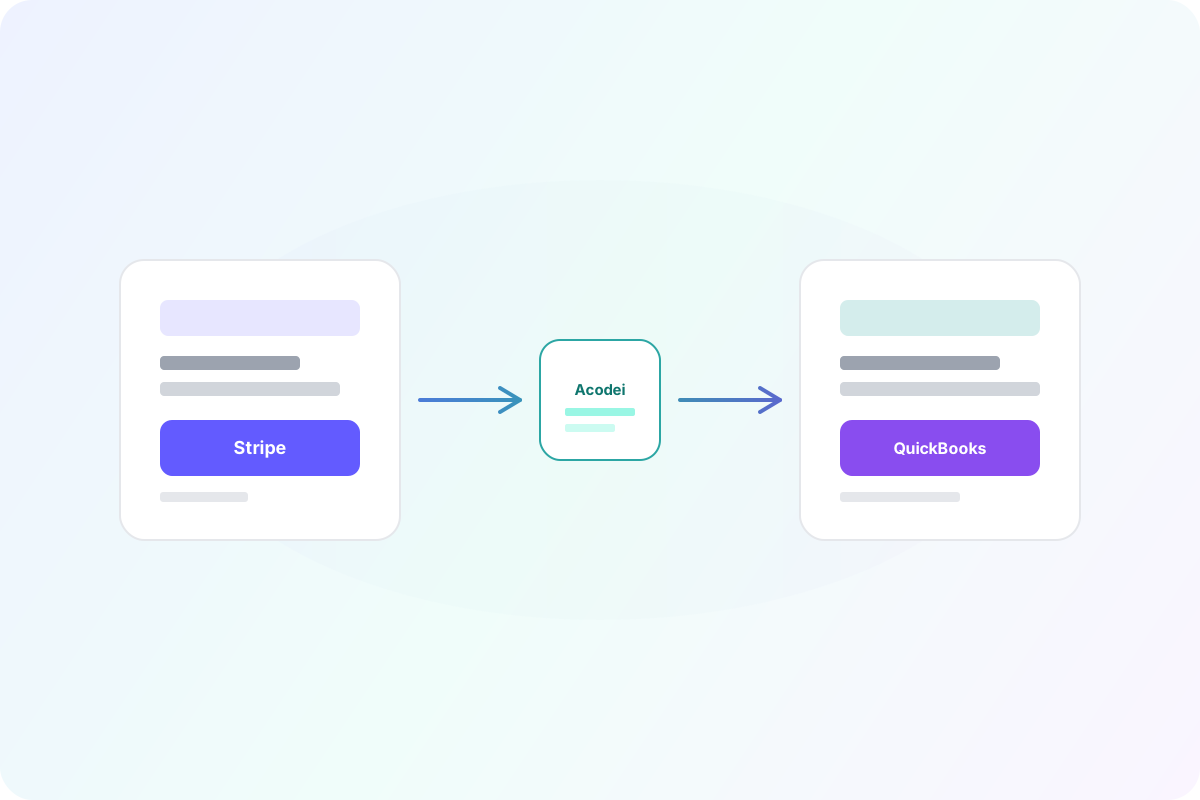
Yes, Stripe integrates with QuickBooks, and Acodei makes the connection accurate. Link both accounts with secure OAuth and every charge, fee, refund, and payout flows into the right QuickBooks accounts automatically.
14-day free trial · card required · cancel anytime


High-impact capabilities that reduce accounting effort while improving data accuracy.
Connecting Stripe and QuickBooks is a guided, click-through setup. No API keys to manage, no Zapier recipes to babysit, no custom code.
Basic connectors move sales totals. Acodei also posts Stripe fees, refunds, disputes, and payout transfers so your bank feed matches to the penny.
Each Stripe payout is posted so it matches the deposit that lands in your bank account, which makes reconciliation a check-the-box exercise.
Import prior months of Stripe history so the books are complete from day one, not just from the day you connected.
Accounting firms and multi-entity companies can ask about a custom plan with hands-on onboarding.
Create your Acodei account.
Connect Stripe and QuickBooks Online with secure OAuth.
Choose your Stripe holding account in QuickBooks: Undeposited Funds, where each payout matches one deposit on your bank feed, or a separate asset account such as Stripe Holding, when you need the balance to match Stripe every day. Decide before your first sync, because changing it later is a migration, not a settings switch.
Confirm your fee, product, and bank account mapping, then watch your first charges, fees, and payouts appear in QuickBooks.
Want the full walkthrough? How to Sync Stripe to QuickBooks Online (2026)
Testimonials
Business owners and finance leaders on what changed once their Stripe activity started landing in QuickBooks automatically.
“Works well and is really helpful for massive transactions. The support is really fast and helpful. 100% recommended.”
Andres
Co-founder and CEO at Kanguro Collections and Reinsurance
“The app does a beautiful job of syncing and automatically categorizing our Stripe data. I don't think I could function without this app.”
Kenneth
CEO at Bell Benefits Group
“If you're testing out all the different Stripe/QuickBooks integration apps right now, let me save you some time. This one is the best one by far.”
Ryan
Owner at Indie Music Academy
“This app works exactly as described, saving time because I no longer have to create journal entries for my Stripe transactions.”
Jacquie
Owner at Camp Mowglis
“The connection and sync with QuickBooks Online has been a huge time saver and is working very smoothly! I am so glad we found this tool!!”
Kim
CFO at The Paperless Agent
“As a solopreneur, any increase in productivity is a good thing. Acodei helped me in this area, and I'm grateful!”
Elijah
Owner at Elijah Wordsmith
FAQ
Other parts of the Stripe to QuickBooks sync that pair well with connecting Stripe and QuickBooks.
The core sync: every Stripe payment, fee, refund and payout posted to QuickBooks Online.
Route each Stripe product to the right QuickBooks item using rules on product ID, price ID, and metadata.
Backfill prior Stripe activity by month range so reporting starts from a complete baseline.
How payouts land against the bank, so the deposit in QuickBooks matches what Stripe sent.
Launch with Acodei and build an accounting workflow that scales as your Stripe volume grows.
14-day free trial · card required · cancel anytime