Fees split out, not buried
Every Stripe processing fee posts to its own expense line, so gross revenue, fees, and net deposits each land where your chart of accounts expects them.
Month-end close without the spreadsheet
The hard part of Stripe reconciliation is that deposits never equal sales: fees are netted out, refunds offset charges, and payouts bundle days of activity. Acodei posts each piece separately so QuickBooks matches the bank feed to the penny.
14-day free trial · card required · cancel anytime
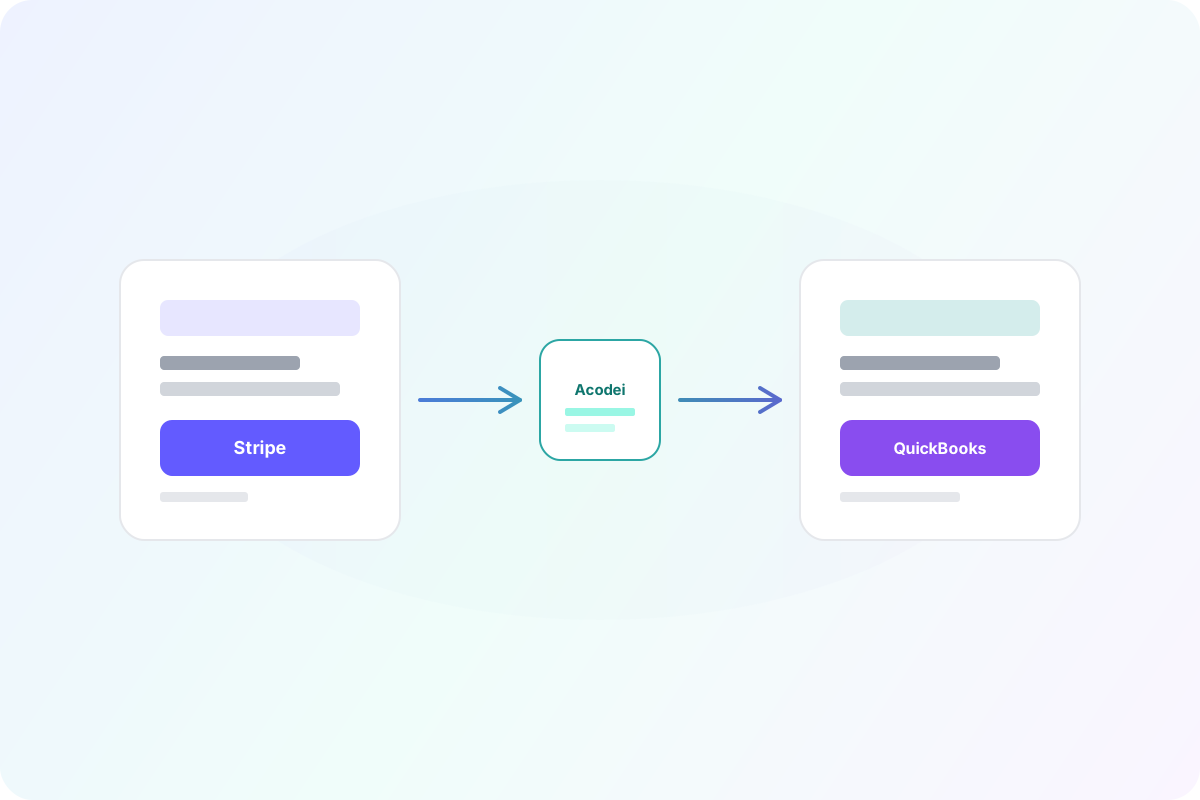


High-impact capabilities that reduce accounting effort while improving data accuracy.
Every Stripe processing fee posts to its own expense line, so gross revenue, fees, and net deposits each land where your chart of accounts expects them.
Each Stripe payout posts against your Stripe holding account in QuickBooks: as a transfer for the net amount, or, if that account is Undeposited Funds, as a deposit itemizing the charges, refunds, and fees behind it. Either way the QuickBooks side is built to match the deposit your bank actually shows.
With duplicate protection on, Acodei writes its own transaction id onto each QuickBooks record, so a charge it already synced collides instead of posting twice. It covers what Acodei wrote, not your whole QuickBooks file: a hand-keyed receipt, or a payout added from the bank feed instead of matched, sits outside it.
Offsetting activity is posted with the right sign and date. On an asset clearing account, that keeps the QuickBooks balance equal to your Stripe balance, so you can reconcile the two at month end or daily. On Undeposited Funds, each payout deposit clears the activity behind it.
Manage multiple clients on Stripe with consistent mapping, clean audit trails, and books that are reconciliation-ready at close, not after a day of cleanup.
Recurring Stripe charges post consistently every cycle, so monthly subscription revenue in QuickBooks matches what Stripe actually collected.
Wondering why a payout never matches a single day of sales? Part of the answer is the difference between your available and pending Stripe balance.
Reconciliation is where the free connector most often falls short. See Acodei compared with the QuickBooks Stripe connector.
Connect Stripe and QuickBooks Online with secure OAuth.
Confirm the clearing account, bank account, and fee expense mapping.
Let Acodei post charges, fees, refunds, and payouts as they happen.
At close, match payouts to deposits in the QuickBooks bank feed. They already agree.
Want the full walkthrough? How to Reconcile Stripe Fees in QuickBooks Online
Testimonials
Business owners and finance leaders on what changed once their Stripe activity started landing in QuickBooks automatically.
“Works well and is really helpful for massive transactions. The support is really fast and helpful. 100% recommended.”
Andres
Co-founder and CEO at Kanguro Collections and Reinsurance
“The app does a beautiful job of syncing and automatically categorizing our Stripe data. I don't think I could function without this app.”
Kenneth
CEO at Bell Benefits Group
“If you're testing out all the different Stripe/QuickBooks integration apps right now, let me save you some time. This one is the best one by far.”
Ryan
Owner at Indie Music Academy
“This app works exactly as described, saving time because I no longer have to create journal entries for my Stripe transactions.”
Jacquie
Owner at Camp Mowglis
“The connection and sync with QuickBooks Online has been a huge time saver and is working very smoothly! I am so glad we found this tool!!”
Kim
CFO at The Paperless Agent
“As a solopreneur, any increase in productivity is a good thing. Acodei helped me in this area, and I'm grateful!”
Elijah
Owner at Elijah Wordsmith
FAQ
Other parts of the Stripe to QuickBooks sync that pair well with payout reconciliation.
The core sync: every Stripe payment, fee, refund and payout posted to QuickBooks Online.
Bring Stripe invoices into QuickBooks and apply payments and credit memos automatically.
Route each Stripe product to the right QuickBooks item using rules on product ID, price ID, and metadata.
Backfill prior Stripe activity by month range so reporting starts from a complete baseline.
Launch with Acodei and build an accounting workflow that scales as your Stripe volume grows.
14-day free trial · card required · cancel anytime